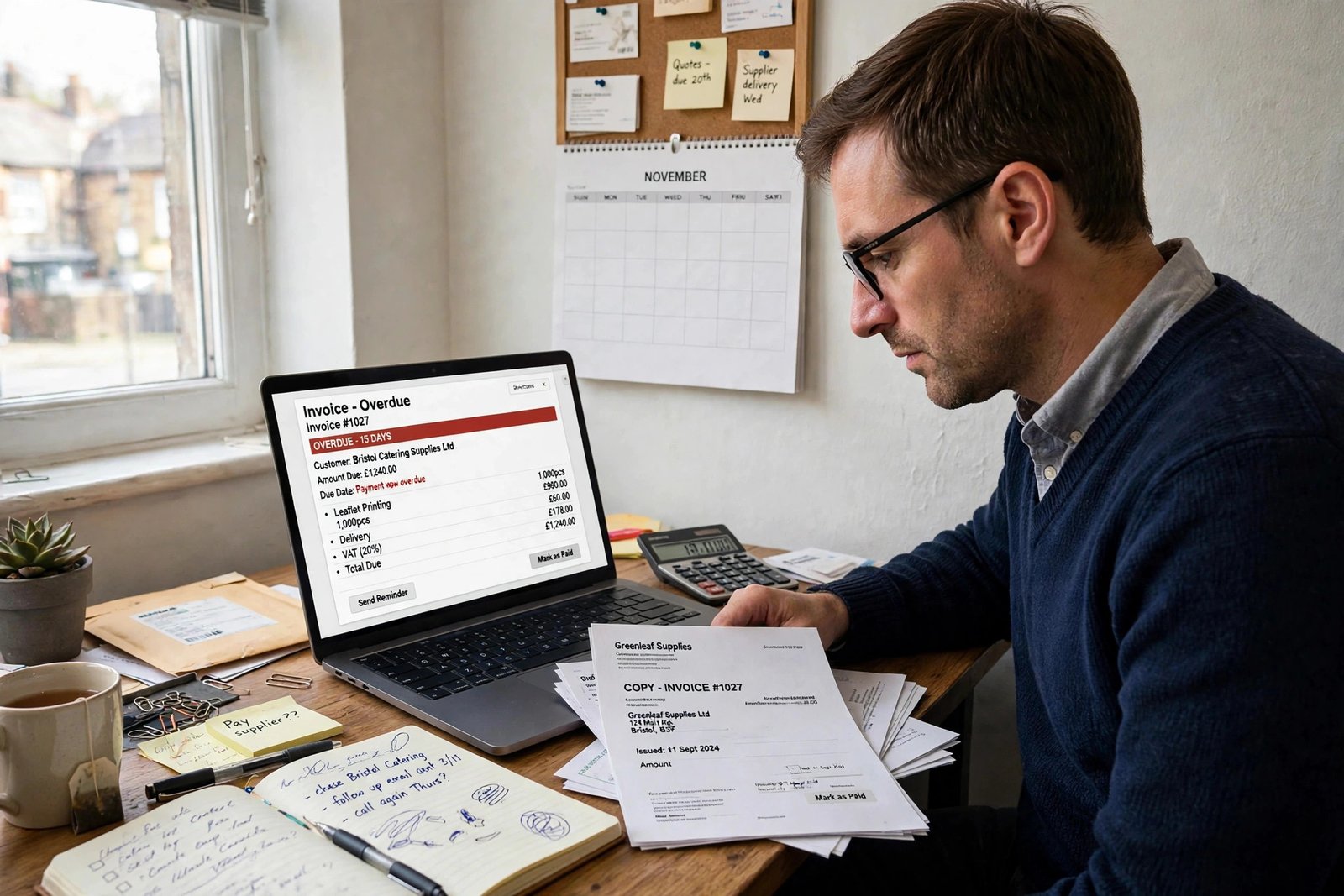
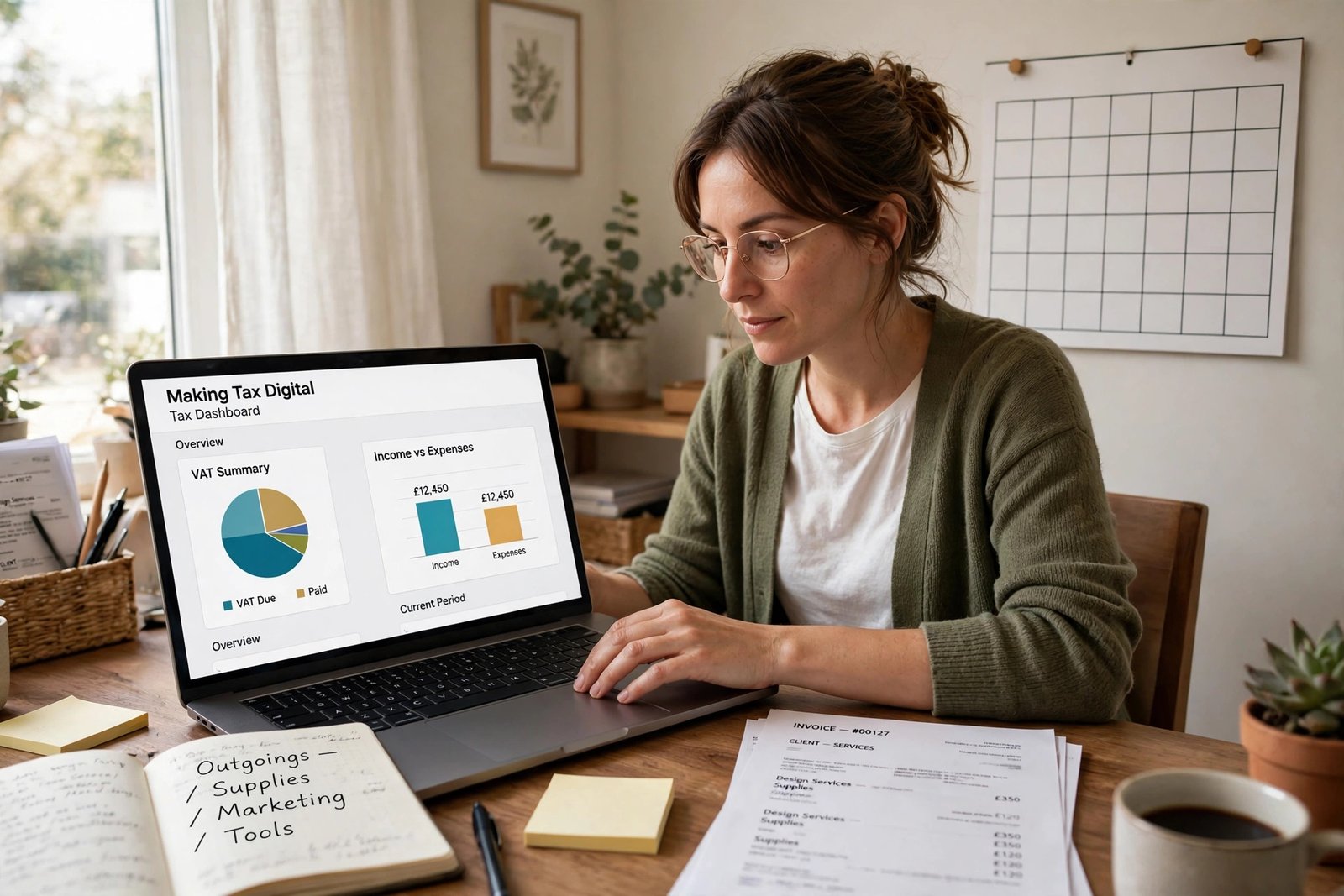
From 6 April 2026, sole traders and landlords with qualifying income over £50,000 must keep digital records and send HMRC four quarterly updates a year using compatible software, then a final declaration by 31 January. The threshold falls to £30,000 in April 2027 and £20,000 in April 2028. MTD for VAT has applied to all VAT-registered businesses since April 2022.
What is Making Tax Digital for small business?
Making Tax Digital, usually called MTD, is HMRC’s programme to move tax reporting into software. Instead of keeping paper records and sending one return a year, you keep your records digitally and send HMRC short summaries from compatible software.
It has two parts. MTD for VAT came first. It has applied to every VAT-registered business since 1 April 2022, whatever its turnover. Before that, from April 2019, it applied only to businesses with taxable turnover above £85,000. The old VAT online account closed on 1 November 2022, so VAT returns now go through compatible software. You must register for VAT once taxable turnover passes £90,000 in a rolling 12 months. The deregistration threshold is £88,000.
MTD for Income Tax is the second part, and it is the one that changes life for sole traders and landlords. It started on 6 April 2026 for those with qualifying income over £50,000, and it rolls out to smaller earners over the next two years. HMRC says around 780,000 self-employed people and landlords were brought in from April 2026, with about 970,000 more joining from April 2027.
MTD does not change how much tax you pay. Tax rates, allowances and payment dates stay the same. It changes how and when you report: digital records all year, four short updates, and a final declaration instead of a Self Assessment return.
Who has to use Making Tax Digital for Income Tax?
MTD for Income Tax applies to sole traders and landlords who are registered for Self Assessment. The test is your qualifying income: your total gross income from self-employment and property, added together, before any expenses are taken off. It is turnover, not profit. Salary, pensions and dividends do not count.
HMRC gives a simple example. Rent of £25,000 plus self-employment income of £27,000 is qualifying income of £52,000, which is over the £50,000 threshold, however much went on expenses. A landlord with £55,000 of rental income and high expenses still counts as over the threshold, because expenses are ignored for this test.
HMRC decides from an earlier tax return, not from what you earn now. Your 2024 to 2025 return decides whether you start in April 2026. Your 2025 to 2026 return decides April 2027. If you have both kinds of income, you add them together. Self-employment of £18,000 plus rent of £15,000 is qualifying income of £33,000, which is over the £30,000 threshold, so you are caught from April 2027.
HMRC writes to people it believes are in scope, but if you did not get a letter, it is still your responsibility to check.
What are the income thresholds and start dates?
The threshold falls in three steps, one each year. Each step is tested against a different tax return.
| Start date | Qualifying income over | Based on tax return |
|---|---|---|
| 6 April 2026 | £50,000 | 2024 to 2025 |
| 6 April 2027 | £30,000 | 2025 to 2026 |
| 6 April 2028 | £20,000 | 2026 to 2027 |
If your accounts are made up to 31 March each year, your start date is 1 April, not 6 April. That is the only difference in timing.
Once you are in, you stay in unless your income falls and stays low. You can ask HMRC to opt out if your qualifying income has been below the relevant threshold for three tax years in a row, so do not stop sending updates just because one year was slow.
What do I have to send HMRC each quarter?
You send four quarterly updates a year. Each update is a summary of your income and expenses by category, and it is cumulative for the year to date. That means each update restates the whole year so far, not just the latest three months. A mistake in quarter one can be corrected in quarter two’s figures, rather than needing a separate amendment.
An update is not a tax return and it carries no tax charge. HMRC works out no tax from it and you pay nothing with it.
You can use the standard quarters or elect calendar quarters instead. Calendar quarters run 1 April to 30 June, 1 July to 30 September, 1 October to 31 December and 1 January to 31 March. The deadlines are the same either way, and calendar quarters suit most people whose bank statements and bookkeeping already run to month ends.
| Quarter | Period | Update due |
|---|---|---|
| 1 | 6 April to 5 July 2026 | 7 August 2026 |
| 2 | 6 July to 5 October 2026 | 7 November 2026 |
| 3 | 6 October 2026 to 5 January 2027 | 7 February 2027 |
| 4 | 6 January to 5 April 2027 | 7 May 2027 |
| Final declaration | Tax year 2026 to 2027 | 31 January 2028 |
For anyone who joined on 6 April 2026, the first update was due by 7 August 2026 and the second was due by 7 November 2026. Put all four dates in your calendar now, because the deadlines do not move.
What is the final declaration?
After the four quarterly updates, you make a final declaration by 31 January after the tax year ends. For the 2026 to 2027 tax year, that is 31 January 2028. The final declaration replaces your Self Assessment return.
It pulls together the four quarterly totals and adds everything that sits outside them: employment income, dividends, savings interest and capital gains. It also applies allowances and reliefs and year-end adjustments, such as capital allowances, private use adjustments and stock. This is where the tax bill is actually worked out and confirmed.
Payment dates do not change. The balancing payment is still due by 31 January, and the second payment on account is still due by 31 July. Quarterly reporting does not mean quarterly tax payments, and payments on account still work as they always have, based on the previous year’s bill. The Self Assessment tax return deadline is still 31 January, and the same date now applies to your final declaration and your balancing payment.
If you are used to filing by 31 January, the date feels the same. What changes is that most of the figures are already with HMRC by then.
What software do I need, and what records must I keep digitally?
You must use software that works with Making Tax Digital for Income Tax. HMRC publishes a list of compatible software, and you must pick from it. HMRC does not provide its own software, and you cannot send updates through HMRC’s website. You must also sign up for MTD for Income Tax before your first quarterly update is due.
Start with our guide on choosing accounting software for your small business and check that the software you pick is on HMRC’s compatible list before you sign up. Each income and expense record needs an amount, a date and a category. The categories match Self Assessment, so income includes sales, takings, fees, rent and property premiums, and expenses include stock, travel, office costs and financial charges. You create the record in the software as close to the transaction date as you can.
You still keep the original records or copies of them, such as bank statements and invoices, and a photograph of a receipt is accepted if it is legible. HMRC receives only category totals in the quarterly updates, not details of individual receipts or invoices, so the supporting document stays with you as the evidence behind the figure.
If you use more than one software product, the records must be digitally linked. Do not retype figures between systems, because a typed figure breaks the digital link.
Keep digital records for at least five years after the 31 January deadline for that tax year. For the 2026 to 2027 tax year, the return is due by 31 January 2028, so records stay until at least the end of January 2033. HMRC can charge up to £3,000 if you fail to keep or preserve adequate records.
What happens if I miss a deadline?
MTD has two separate penalty systems, and it helps to keep them apart. Late submission costs you points. Late payment costs you a percentage of the unpaid tax.
| What went wrong | 2026 to 2027 | From 2027 to 2028 |
|---|---|---|
| Late quarterly update | No penalty points | 1 point per missed deadline; £200 at 4 points, then £200 per further miss |
| Late final declaration | Penalty points apply | 1 point per missed deadline; £200 at 4 points |
| Late payment up to 15 days | No penalty, interest only | No penalty, interest only |
| Late payment 16 to 30 days | 3% of tax owed; no penalty in your first year | 4% of tax owed; no penalty in your first year |
| Late payment 31 days or more | 3% at day 15 plus 3% at day 30, plus 10% a year charged daily for up to 2 years | 4% at day 15 plus 4% at day 30, plus 10% a year charged daily for up to 2 years |
You get one point for each missed deadline, and you only pay money once you reach four points, when the penalty is £200. Each further late submission costs another £200. Points expire 24 months after the missed deadline if you stay below the threshold, and Income Tax points are tracked separately from any VAT points.
There is a soft landing in the first year. HMRC issues no penalty points for late quarterly updates during the 2026 to 2027 tax year. The updates still have to be sent before you can make your final declaration, so the soft landing is about the penalty, not the obligation. Those who join in April 2027 also get no penalty points for their first four quarterly updates. Points do apply to a late final declaration from the start.
Late payment is different. In your first year you have 30 days from the deadline to pay or agree a payment plan with HMRC before late payment penalties apply. After that first year it drops to 15 days. Late payment penalties apply to a balancing payment left unpaid, not to payments on account.
Late payment interest is separate from the penalties and runs from day one. It is charged at the Bank of England base rate plus 4% since 6 April 2025. The rate is 8.00% from 24 November 2026, after the Bank of England raised the base rate to 4.00% on 5 November 2026. Before that it was 7.75% from 9 January 2026.
Who does Making Tax Digital not apply to?
Not everyone is in scope, and some people are exempt by law. The main groups are:
Limited companies are not affected. MTD for Income Tax covers individuals, not companies. A company pays Corporation Tax instead, and MTD for Corporation Tax is still in consultation, with no start date set.
Partnerships do not currently need to use MTD for Income Tax. HMRC has said it will set out the timeline for partnerships later. A partner’s own sole trade or property income is a separate matter and still counts towards their own qualifying income.
Qualifying income of £20,000 or less means you are automatically exempt. No threshold below £20,000 has been announced, so you are not currently within scope at all.
Trusts filing an SA900 return, personal representatives of someone who has died, Lloyd’s members for their underwriting business, non-resident companies filing an SA700, and people with no National Insurance number before the tax year starts are automatically exempt. These exemptions cover the return you file in that role. If you have your own self-employment or property income as well, you may still need to use MTD for that income.
Some return types are exempt for the 2026 to 2027 tax year only, such as income from trusts or estates and some averaging relief claims, so check the current GOV.UK exemptions guidance if your return includes one of these.
If you are digitally excluded, you can apply to HMRC for an exemption. This covers people who cannot reasonably use compatible software because of age, disability, location or religious belief. Location covers people who cannot get broadband where they live, not people who could sign up for it and have not done so. The exemption is not automatic, so you must apply. If you already have a digital exclusion for VAT, you may not need to prove it again for Income Tax.
If you are exempt from MTD for Income Tax, you carry on with Self Assessment as before. An exemption only removes the quarterly updates and the software requirement. The tax return itself stays.
How do I get ready for Making Tax Digital?
Work through these steps in order, and do them before your start date, not after it.
- Check your qualifying income on your last tax return. For April 2026 that is the 2024 to 2025 return; for April 2027 it is the 2025 to 2026 return. Add self-employment and property income together, before expenses.
- Sign up for MTD for Income Tax before your first quarterly update is due. You need a Government Gateway user ID and to be registered for Self Assessment.
- Choose compatible software from HMRC’s list and move your records into it from your start date. Do not leave it until the first deadline.
- Put the four quarterly deadlines and 31 January in your calendar: 7 August, 7 November, 7 February and 7 May, plus 31 January for the final declaration and payment.
- Set aside money for tax as you go, so the 31 January balancing payment is not a shock. Read our guide on how to improve cash flow in business for ways to build a tax reserve into your monthly routine.
- If the rules feel unclear, ask an accountant. Our guide on how much does an accountant cost in the UK shows typical fees, so you can compare the cost of help with the cost of getting it wrong.
If you are already VAT-registered, you are used to MTD for VAT, and the same habit applies: keep records in software, file through the software, and keep the evidence. The Income Tax deadlines and thresholds are separate, so do not mix the two sets of dates up.
Start early, even if your start date is a year away. The businesses that struggle are the ones that sign up the week the first update is due.
Frequently asked questions
Do I still need to file a Self Assessment return?
No, not in the old form. The final declaration replaces your Self Assessment return for the income covered by MTD. Other income, such as employment, dividends and savings interest, goes into the final declaration too. You still file by 31 January, and you still pay by 31 January.
Does Making Tax Digital change how much tax I pay?
No. Tax rates, allowances and payment dates stay the same. Only the reporting rhythm changes: digital records all year, four quarterly updates, and a final declaration at the end. Your allowable expenses and your tax calculation work exactly as before.
Can I use a spreadsheet instead of software?
A spreadsheet alone cannot send updates to HMRC. Your records must sit in software that works with Making Tax Digital, or be digitally linked to it. If you love your spreadsheet, keep it, but the figures must flow to HMRC through compatible software.
What if my income drops below the threshold?
You can ask HMRC to opt out if your qualifying income has been below the relevant threshold for three tax years in a row. A single quiet year is not enough. Until HMRC agrees, keep sending your quarterly updates.
I am a landlord with no other business. Does MTD apply to me?
Yes, if your property income alone, or combined with self-employment income, is over the threshold. Landlords are in scope from the same dates as sole traders. Qualifying income counts gross rent before expenses, so a landlord with high costs and low profit can still be over the threshold.
Conclusion
Making Tax Digital for Income Tax started on 6 April 2026 for sole traders and landlords with qualifying income over £50,000. The threshold falls to £30,000 in April 2027 and £20,000 in April 2028. Once you are in, you keep digital records in compatible software, send four cumulative quarterly updates a year, and finish with a final declaration by 31 January. Payment dates and tax rates do not change, and there are no penalty points for late quarterly updates in the first year. Check your qualifying income on your last return, sign up before your first update is due, and put the four deadlines in your calendar now.
This article is general guidance for small UK businesses, not tax advice for a specific case. Making Tax Digital rules, thresholds and penalties can change. Check the current GOV.UK guidance before you rely on a figure, or ask a qualified adviser if your case is unusual.